

Your products deserve better than a white background
Most small stores run ads with the same flat product photo on white. It works on a product page. In a feed, it disappears.
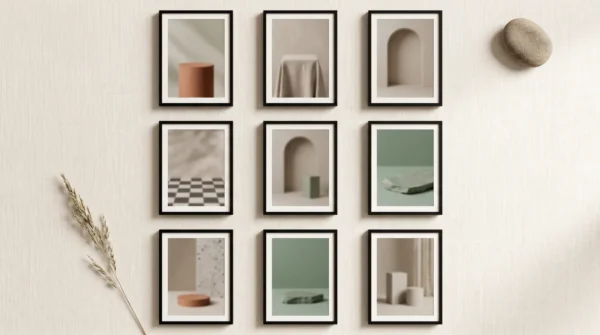
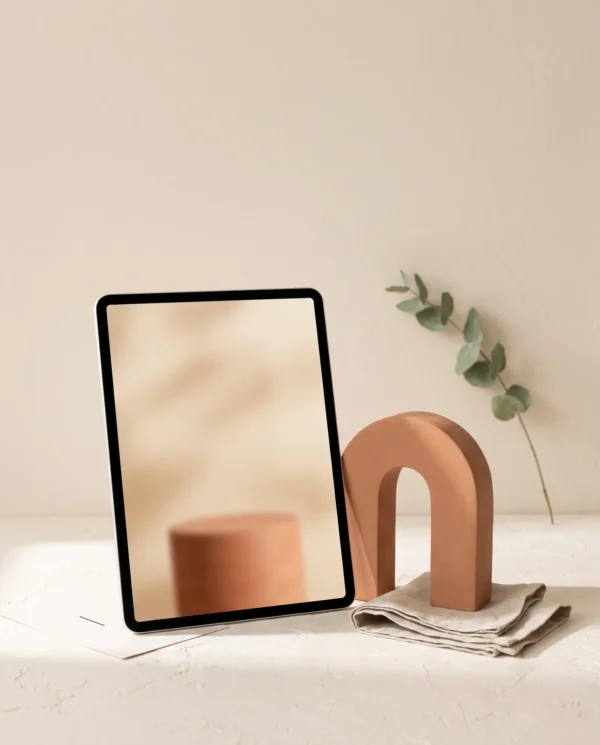
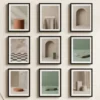
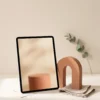
This pack gives you what a studio shoot gives bigger brands: podiums, textured backdrops, seasonal sets, and lifestyle scenes — professionally lit, carefully composed, and deliberately empty. Every image reserves a clean display surface for one thing: your product.
How it works — the drop-your-product concept
Every background in this pack is built around two zones:
- A product zone. An empty podium, shelf, slab, or tabletop, positioned and lit so a cutout of your product sits on it believably. Remove your product photo’s background in Canva (one click with BG Remover), drag it onto the surface, add the built-in drop shadow — done. The lighting in every scene tells you exactly where the shadow should fall, so the result looks photographed, not pasted.
- A text zone. Clean negative space reserved for your headline and CTA, sized for how people actually read ads — including oversized headline zones on the five sale backgrounds.
One product photo becomes thirty different ads. Test them against each other and let Meta or TikTok tell you which scene sells.
What’s inside
- 30 high-resolution PNG backgrounds — 15 in 4:5 (1080×1350, Meta feed) and 15 in 9:16 (1080×1920, Reels, Stories, TikTok)
- Minimal podiums — terracotta cylinder, stone cube, glass ledge, arch niche, stacked discs
- Natural textures — linen drape, travertine, sand dunes, water ripple, botanical shadows
- Bold & graphic — color blocks, geometric arches, checkerboard, gradient, spotlight
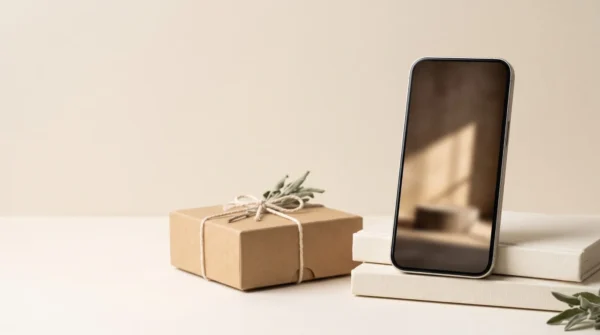
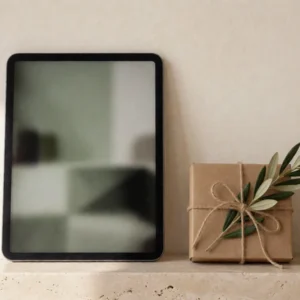
- Seasonal — spring, summer, autumn, winter, gifting
- Sale & promo — five high-impact backgrounds with oversized headline space
- Lifestyle (UGC-style) — kitchen, bathroom, desk, bedside, café scenes
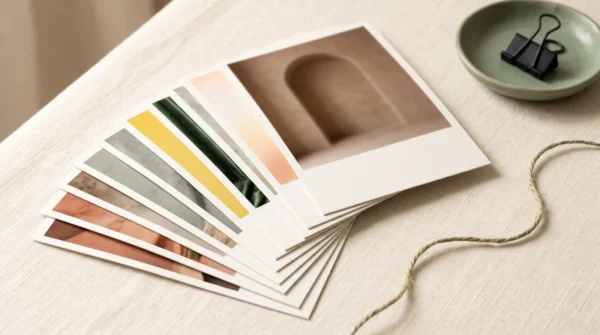
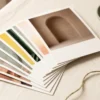
- 3 palette moods across the pack — warm terracotta/sand, cool sage/stone, and bold color-block — so there’s a family that fits your brand
- Step-by-step placement guide — background removal, product placement, shadow matching, text placement, export settings for each platform
- Ready-made ad copy starters — a headline and primary-text suggestion matched to each background
Who it’s for
- Online store owners who need scroll-stopping ads without hiring a photographer or designer
- Dropshippers and small DTC brands testing multiple creatives per product on a budget
- Freelancers and agencies producing ad batches for e-commerce clients
- Etsy, Shopify and WooCommerce sellers whose supplier photos all look the same
Works with almost any physical product that can be photographed and cut out: skincare, candles, supplements, accessories, gadgets, jewelry, homeware, packaged food, footwear, and more.
What you need
- A photo of your product (a phone photo on a plain background is fine)
- A free Canva account (Canva Pro’s one-click BG Remover is convenient, but free background removers work too)
- About 10 minutes per ad
Licence
- Yes: use the visuals in unlimited ads, social posts, emails, and product pages for your own store(s) or your clients’ stores (freelancers and agencies included).
- No: reselling, redistributing, or sharing the files themselves — including in templates, bundles, or other digital products. The licence covers finished ads, not the raw files.
Delivery
Instant download after checkout: one ZIP containing all 30 PNGs (named and sorted by theme and format), the placement guide, and the ad copy starters.
FAQ
My products are clothes — does this work for apparel?
Yes, with the right photo. Use a flat-lay, folded, or ghost-mannequin shot and cut it out like any other product; folded knitwear on the linen or velvet scenes and sneakers on the podium scenes look particularly strong. The one thing the pack doesn’t replace is on-model photography — if your ad strategy depends on people wearing the clothes, use these backgrounds for your flat-lay and detail ads alongside your model shots.
Do I need design skills or paid software?
No. Everything is done in Canva’s free tier with drag-and-drop: remove your product’s background, place it on the marked surface, add the built-in drop shadow, type your headline in the reserved space. The included guide shows each step, including how to angle the shadow so the placement looks real. Photoshop works too if you prefer it, but nothing in the workflow requires it.
Can I edit the backgrounds — crop them, change colors, add my brand elements?
Yes. Crop, recolor, overlay your fonts and logo, combine them with your own photos — anything that ends in a finished ad or post for your store or a client’s store is covered. The only restriction is passing on the files themselves: you can’t resell or redistribute the backgrounds, edited or not, as files or templates.

Reviews
There are no reviews yet.