
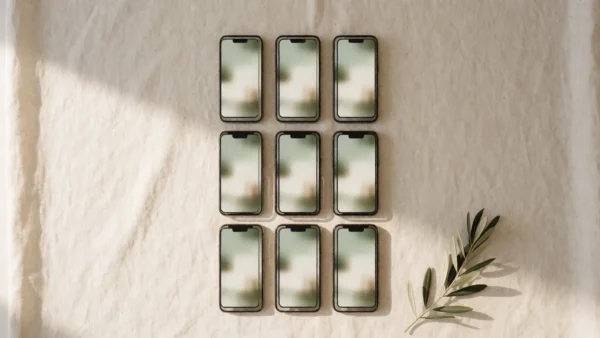
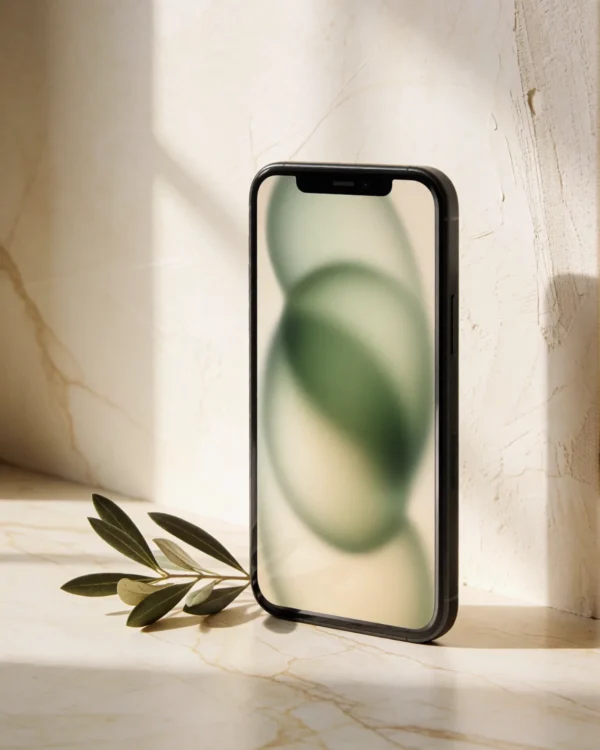
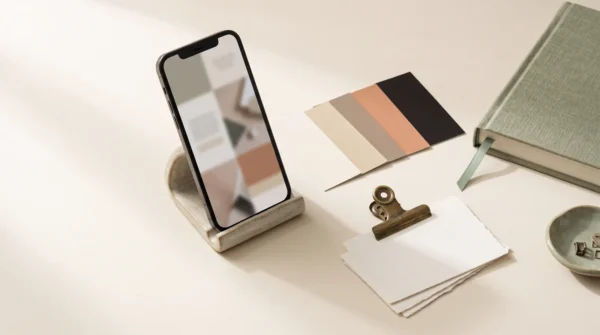


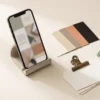
30 Canva Instagram templates: quote posts, carousels, product features and stories.
A month of considered posts, without a designer on retainer
Most template packs look like template packs. This kit was built like an editorial design system: one type scale, one spacing grid, one photo treatment — thirty layouts that read as a single, deliberate feed. It works quietly for skincare studios, ceramicists, consultants, cafés, coaches. Anywhere restraint sells. That is the job of the Canva instagram templates below.
What’s inside — 30 templates in 5 families
- Quote & statement posts (6) — six distinct layouts for the words your audience saves: centered serif, split band, oversized quotation mark, framed, minimal, and a photo gradient veil.
- Educational carousel (6 slides) — one cohesive, swipe-through carousel system: hook cover, three content layouts, a list slide, and a save-share-follow closer. Duplicate it for every topic you teach.
- Product & offer posts (6) — product hero, before–after, price layout, testimonial + product, promo announcement, and back-in-stock.
- Editorial & engagement posts (6) — this-or-that, checklist, myth vs. fact, tip of the week, poll prompt, and a behind-the-scenes frame.
- Stories (6, 1080×1920) — announcement, countdown, Q&A, product tease, quote, and link push, laid out inside Instagram’s safe margins so nothing is hidden behind the interface.
Built to be restyled in one pass
Four text colors carry all thirty pages. To restyle one, select everything on it — Ctrl+A, or Cmd+A on a Mac — and set your own color or typeface in a single move. Thirty pages take about ten minutes. The backgrounds are photographic paper textures rather than flat fills — that is what keeps the kit from looking generated — and each one can be swapped or covered in a click. Drop your photos into the ready-made frames and you’re done — no masking, no rebuilding.
Canva instagram templates: who it’s for
Small brands, solo founders, and studios who want a feed that looks art-directed — and who would rather spend their evenings running the business than nudging text boxes.
Canva instagram templates: how delivery works
Checkout takes a minute; delivery is instant. You’ll receive a PDF containing your Canva template links (feed file + stories file) plus a one-page customization guide. Open the links, make your own copy, and everything is yours to edit. Nothing ships physically.
Works with Canva Free. No Pro subscription required — fonts and features used are all available on the free plan.
FAQ
Do I need Canva Pro?
No. The kit uses only free Canva fonts and features. Canva Pro adds conveniences (one-click magic resize, brand kit fonts), but everything works fully on Canva Free.
Can I use this for client work?
The license covers use for your own brand or one business you manage. For multiple client brands, please purchase one license per brand. Reselling or redistributing the templates themselves isn’t permitted.
What if I’m not good at design?
That’s the point of the kit. The layouts, spacing, and type hierarchy are already decided — you change colors, fonts, photos, and words. The included guide walks you through it in seven short steps, about ten minutes end to end.
Canva instagram templates: specs
- 30 templates: 24 feed (1080×1080) + 6 stories (1080×1920)
- Format: Canva template links, delivered in an instant-download PDF
- Includes: customization one-pager (PDF)
- Fonts: free Canva fonts throughout — no Pro subscription needed
- Fully editable: colors, fonts, photos, text
- Compatible: Canva Free and Canva Pro
- License: single brand, unlimited posts
- No physical product · Instant delivery · Digital items are non-refundable once the link has been accessed

Reviews
There are no reviews yet.