
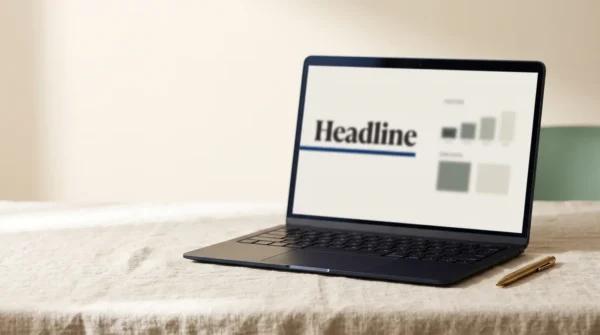
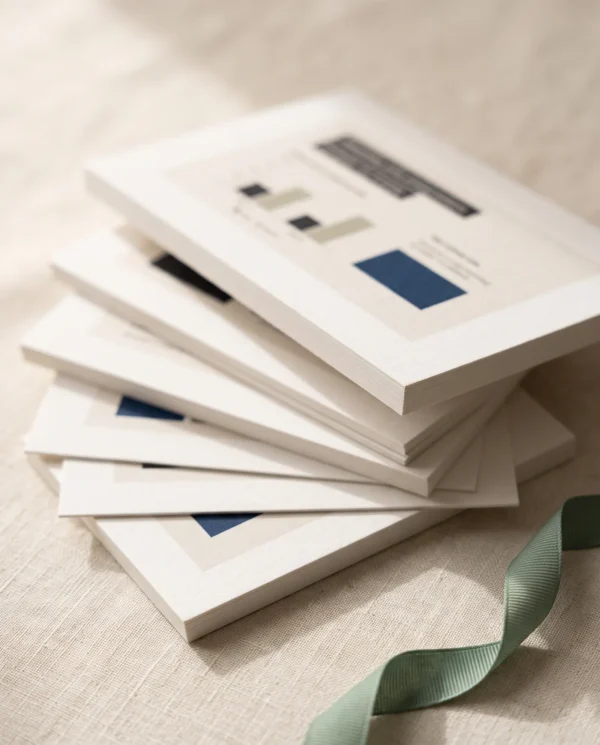
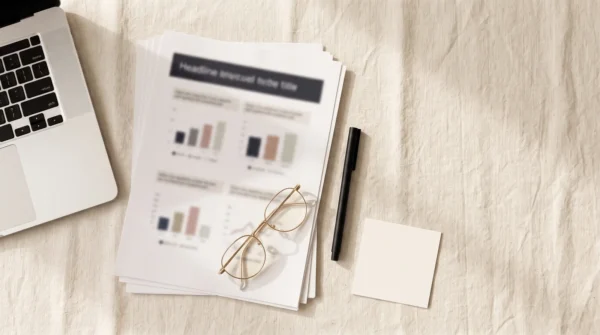



A 20-slide Canva pitch deck with editable charts, coached placeholder text and speaker notes.
The deck does half the pitching
Most people open a blank deck and stall — not because they can’t design, but because they don’t know what belongs on each slide. The Pitch Deck solves both problems at once. The design is finished: an elegant, neutral system of serif headlines, calm charts, and disciplined white space that reads as “expensive studio work,” not “template.” And the writing is coached: every placeholder is a miniature lesson. The Problem slide shows you what a fundable problem statement contains. The Market slide explains why bottom-up math beats “1% of $40B.” The Ask slide tells you why a range instead of a number costs you credibility. Replace the brackets with your facts, and the pitch is written. That is the job of the Canva pitch deck below.
Canva pitch deck: what’s inside
- 20 slides in the order investors expect — Cover, Problem, Personas, Solution, Product demo, How it works, Why now, Market size (TAM/SAM/SOM), Business model, Traction, Case study, Competition matrix, Moat, Go-to-market, Roadmap, Team, Financial projections, The Ask, Use of funds, Close.
- Placeholder copy that coaches — each slide’s text doubles as pitch guidance, with the deeper “why” in every slide’s speaker notes. First-time founders learn the craft as they fill it in.
- Real editable charts — traction line, projections bars, use-of-funds donut, market circles, and a 2×2 competition matrix. Type your numbers into Canva’s data panel; nothing needs redrawing.
- One-swap rebranding — four quiet neutrals plus a single accent color. Change the accent once with Canva’s “Change all,” and the whole deck wears your brand.
- Two decks in one — a built-in guide page maps the investor sequence and a 14-slide client-proposal sequence: which slides to delete, which to reorder, and how The Ask becomes your pricing page.
- Photo and screenshot frames — drag-and-drop placeholders with built-in cropping and styling notes, including a browser-style frame for your product’s “money screen.”
- “Make it yours in 20 minutes” guide — a one-page customization walkthrough included as the final page and in your delivery PDF.
Canva pitch deck: who it’s for
- Founders raising a pre-seed or seed round who need to look funded before they are
- Freelancers and studios sending proposals that have to justify serious fees
- Consultants and agencies pitching retainers, audits, or projects
- Anyone whose current deck is 40 slides of bullet points and apology
Not for you if: you want flashy animations and 3D charts (we’d talk you out of them anyway), or you need PowerPoint/Keynote files — this is a Canva template, delivered as a share link.
Delivery
Instant. The moment your payment clears, you receive a PDF containing your private Canva template link plus the customization guide. Click the link, press Use template, and a fully editable copy of all 20 slides lands in your own Canva account — free plan is enough. Yours permanently, including any updates we release.
Canva pitch deck: specifications
- Format: Canva presentation template (share link, delivered via PDF)
- Slides: 20 + customization guide page
- Dimensions: 16:9 widescreen (1920 x 1080 px)
- Compatibility: Canva Free — no Pro elements, fonts, or features used
- Charts: 3 editable data charts (line, bar, donut) plus a market-size diagram and a 2×2 matrix you reposition by hand
- Fonts: Fraunces + Inter (free in Canva; two suggested swaps included)
- Customization: One-swap accent color; drag-and-drop image frames; all elements editable
- Use cases: Investor pitch (20 slides) and client proposal (14-slide sequence included)
- Export: Present directly from Canva, or export PDF / PPTX / video
- Updates: Free, lifetime
- License: Single user — unlimited presentations for your own ventures and clients
FAQ
Can I use it for client proposals, not just fundraising?
Yes — it’s designed for both. The included guide gives you a ready client-proposal sequence: delete the six fundraising-specific slides (market sizing, traction, projections, and friends), move the case study forward, and The Ask becomes your scope-and-pricing page. Freelancers may use it for proposals more than founders use it for investors.
Do I need Canva Pro?
No. Every font, element, and chart in the template works on Canva’s free plan. You’ll need a free Canva account to open the link and make your copy.
I’m not a designer — will I break it?
That’s what the template is built to prevent. Text, charts, and images all live in structured placeholders: charts update from a data panel, images crop themselves when dropped into frames, and the color system rebrands with a single “Change all” swap. And since your copy is separate from the original, you can always start fresh from the link.

Reviews
There are no reviews yet.