




A freelance hourly rate calculator for Excel and Google Sheets: work out your minimum rate from income, fixed costs and billable ratio, price a job from hours, and check the real hourly rate of finished work.
Most people set their rate by looking at what others charge.
Which is how a number that feels reasonable turns out, at the end of the year, to have been slightly too low all along — not dramatically, just enough that the work was constant and the account never filled up.
The rate you cannot go below is arithmetic, and it takes four inputs: what you want to earn, what it costs you to be in business, how much of the year you can actually sell, and the tax you set aside. Nobody does that arithmetic, because one of the four is a number nobody looks at.
The number nobody looks at
Billable ratio. You work about 220 days a year and you invoice perhaps 130 of them. The rest is quoting, admin, chasing payment, learning, sick days and the client who cancelled on the Tuesday. Divide what you need by 220 days and you get a rate that looks sensible and loses money every month.
Enter 60% instead of 100% and the floor moves by a third. That single cell is why this calculator exists; everything else is arithmetic.
What is inside The Pricing Calculator
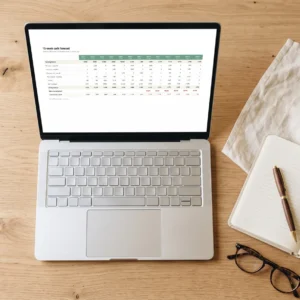
Five tabs, 26 live formulas. Nothing is a typed-in result — change one input and everything downstream recalculates.
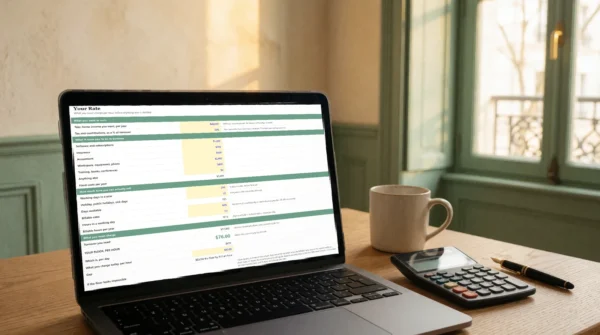
- Your Rate — the floor. Income wanted, fixed costs, days you can actually sell, tax set aside. It ends on one number, and on the gap between that number and what you charge today.
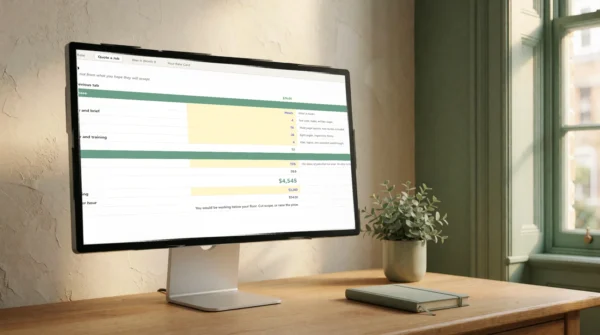
- Quote a Job — hours per phase, a contingency you choose, and the price that follows. Type the price you were thinking of and it tells you what hourly rate that would really be.
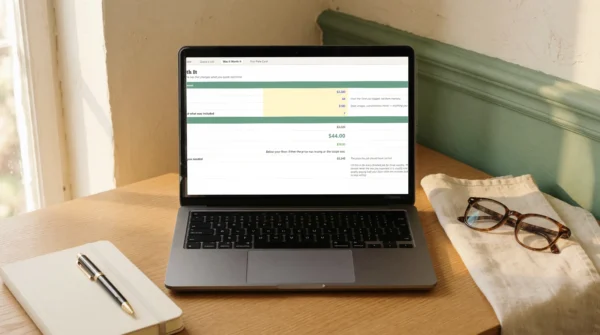
- Was It Worth It — filled in after delivery: what you invoiced, the hours you really spent, the costs you carried. It gives you the real rate of that job, and what it should have been priced at.
- Your Rate Card — the three or four numbers you will say out loud, rounded up, with package prices that follow your rate.
- The Start Here tab — what to fill in, in what order, and what the tool deliberately does not do.
The tab that changes what you quote next
Was It Worth It takes ninety seconds per finished job. Do it for three months and a pattern appears that is almost never the one you expected: usually one client, or one type of work, quietly paying half your floor while the invoices look perfectly healthy. That is the thing to stop selling — and you cannot see it from your bank balance.
Who The Pricing Calculator is for
Anyone who sets their own prices: freelancers, consultants, studios, trades, coaches, small agencies. It works the same whether you bill by the hour, by the day or by the project — the floor is the same number either way, and the job-pricing tab exists precisely for fixed-price work.
What The Pricing Calculator is not
It is not accounting software and it calculates no tax: the tax line is a percentage you enter yourself, taken from your own situation and your own country. It is not advice on what to charge either — it tells you what you cannot go below, which is a smaller claim and a more useful one. What you charge above the floor depends on the value of the work and the risk you carry, and no spreadsheet can see those.
Included with The Pricing Calculator
- The Pricing Calculator — .xlsx workbook, 5 tabs, 26 live formulas, no macros.
- Six spreadsheet functions, none newer than Excel 2007 — which is why it opens the same way in Excel, Google Sheets, LibreOffice and Numbers.
- A realistic worked example already filled in, so you can see the shape before touching anything. Blue cells are yours to type; black cells are calculated.
- Free updates to this edition, sent to the email you buy with.
Instant download. One-time purchase, no subscription.
Reviews
There are no reviews yet.