
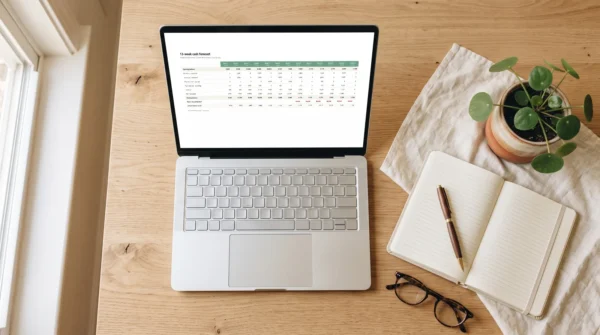






A 13-week cash flow forecast template for Excel and Google Sheets: weekly opening and closing balances, late-payment stress test, collection-rate lever and safety-line alerts.
The question is never “how much did I make”. It is “will there be enough on the 14th”.
Profit is an opinion formed at the end of the year. Cash is a fact that arrives on a Tuesday. Most small businesses that fail are profitable on paper right up until the week a tax bill, a payroll run and a client who pays late all land together — a collision that was visible eight weeks earlier to anyone who had drawn it out.
This is that drawing. Thirteen weeks, one page: what comes in, what goes out, what is left on the Friday of each week, and the first week your balance drops below the line you refuse to cross. It is a spreadsheet, not an app: it opens in what you already have, and every formula is visible and editable.
13-week cash flow forecast: what’s inside
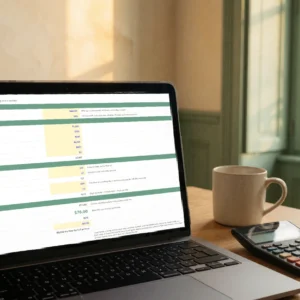
Seven tabs and 377 live formulas. Nothing is a typed-in result — change one input and the whole thirteen weeks recalculates.
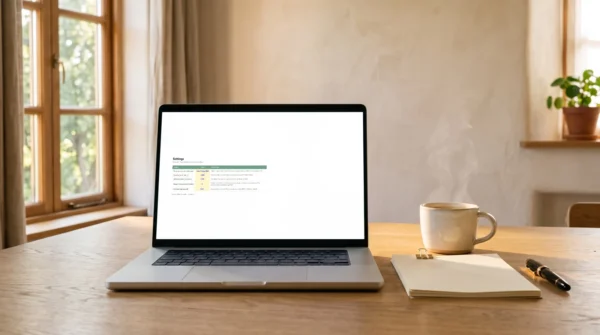
- Settings — five cells: your opening balance, the Monday you start from, your safety line, and the two stress levers. Everything else follows from them.
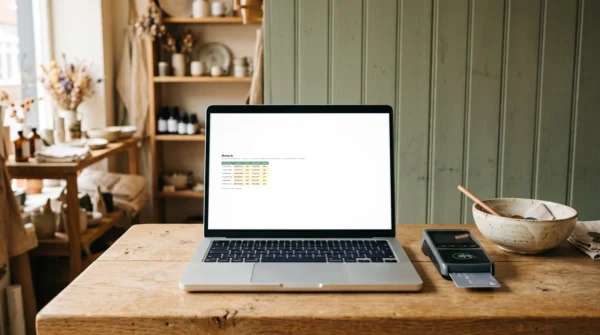
- Money In — every payment you expect, with the date you realistically expect it and how likely it is. The likelihood column is what turns a wish list into a forecast.
- Money Out — one-off payments with their due dates: the tax bill, the deposit, the equipment.
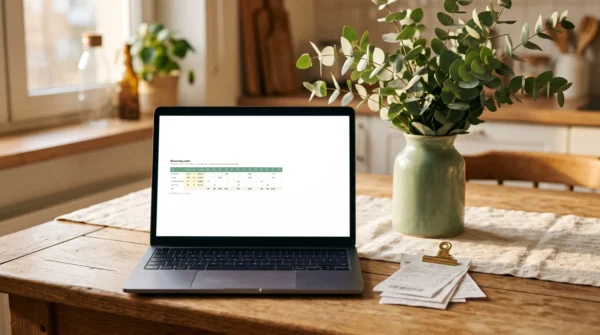
- Recurring — rent, salaries, subscriptions. Entered once with a day of the month; the grid places each one in the correct week for the next thirteen.
- Forecast — nothing to fill in. Opening balance, money in both raw and weighted, money out, net movement, closing balance, and the lowest point reached so far.
- Weekly Routine — the fifteen minutes on a Friday that keep the file true. A forecast nobody updates is a screenshot.
- Start Here — which cells to fill, in what order, and what the colours mean.
The two levers
Payment delay. Set it to 2 and every expected payment lands two weeks later. This is the single most useful cell in the file: it answers “what happens if everyone pays late at once” without you rebuilding anything.
Collection rate. Set it to 80% and the forecast assumes you collect four fifths of what you are owed. Between the two, you have a stress test that most businesses never run until the month it happens to them.
And a safety line: every week that closes below it is flagged. A flag in week nine is a problem you still have eight weeks to solve — which is the entire reason the window is thirteen weeks and not four.
Built to survive the calendar
Weekly cash forecasts usually break on the same detail: a week that straddles two months. Rent paid on the 1st falls in a week that begins on the 31st, and a naive formula loses it entirely. Every recurring cost here is tested against both the month the week starts in and the month it ends in, and a day that does not exist in a short month is charged on the last day rather than pushed into the next one.
It is checked, not asserted: with rent on the 1st, the file places it in weeks 4, 8 and 12 — the three weeks that cross a month boundary in a thirteen-week run.
Who the Cash Flow Forecaster is for
Freelancers, agencies, studios, shops and small practices — anyone who invoices, waits, and pays fixed costs on a schedule they do not control. It suits a one-person business and a team of fifteen equally, because the structure is the same and only the number of rows changes. No accounting background needed: if you can read a bank statement, you can fill this in.
What the Cash Flow Forecaster isn’t
- Not connected to your bank. You type the opening balance. That is deliberate — it takes ten seconds and keeps your banking credentials out of a spreadsheet.
- Not accounting software. It does not do invoicing, VAT returns or ledgers. It answers one question, weekly, better than your accounting software does.
- Not a locked template. Nothing is hidden or password-protected. Every formula is visible, and you can change any of them.
- Not able to know what you forgot. A forecast is only as honest as its dates. The most common mistake is entering the date you invoiced instead of the date you will actually be paid — the file says so, in the tab you open first.
13-week cash flow forecast: how it works
Open it, put four numbers in Settings, then type your expected payments and your costs. The Forecast tab fills itself. Every Friday, spend fifteen minutes on the routine in the last tab: update the real balance, move the dates that slipped, and look at the alert row.
Example rows are already filled in so you can see the shape of it before you type anything. Overwrite them.
Included with the Cash Flow Forecaster
- One .xlsx workbook, seven tabs, 377 formulas — 28 KB, no macros, no add-ins.
- Works in Excel, Google Sheets, LibreOffice and Numbers. It uses nine functions, all of them pre-2007 — nothing that breaks on import or needs a subscription tier.
- Every assumption documented in the cell beside it, and cell notes on the columns people get wrong.
- English and French. Buy in either language and you receive that edition automatically — the same 377 formulas, with the tabs, labels and cell notes translated.
- Lifetime access and every future update to this edition.
- Personal and commercial licence — use it in your own business, or with your clients if you advise them.
FAQ
Will it work in Google Sheets, or is that a claim?
It works. The file deliberately avoids every function added to Excel after 2007 — no XLOOKUP, no FILTER, no dynamic arrays — because those are exactly what break on import into Sheets and on older Excel installs. Upload it to Drive and open it with Sheets; the formulas carry across intact.
Why thirteen weeks and not twelve or a year?
Thirteen weeks is a quarter, and it is the standard horizon used when cash actually matters. Four weeks is too short to change anything. A year is a forecast of a forecast. Thirteen is long enough to see a problem coming and short enough that you can still name the specific invoices involved.
I’m not good with spreadsheets. Is this going to defeat me?
You type in four cells and three tables. Everything else is already written. The cells you are meant to touch are blue on a yellow background; the ones you should leave alone are black. If you can fill in a form, you can run this.
Can I change the formulas?
Yes, and you are meant to be able to. Nothing is protected or hidden. If you want a fourteenth week, copy the last column across — the formulas are consistent from week to week precisely so that they survive being copied.
Reviews
There are no reviews yet.